

The empty scenario canvas
Two ways to write
Pick the path that matches how you think.Direct input
Type each line in the LTB format. Use
@ for assets and / for blocks. Full control over structure, naming, and beat granularity.Ingest
Paste a free-text outline and click
Make scenario format & Set assets. LTB converts blocks, registers assets, and splits scenes in one pass.The scenario format
Each line is a unit of staging. Empty lines separate beats.[Background] blocks separate scenes.
[Background] changes.
Three things you want to keep consistent
When a face, prop, or location appears more than once, register it. Registered items lock identity across every shot in the project. LTB sorts these into three asset types.
Typing
@ opens an autocomplete. Select an existing asset or create a new one inline.
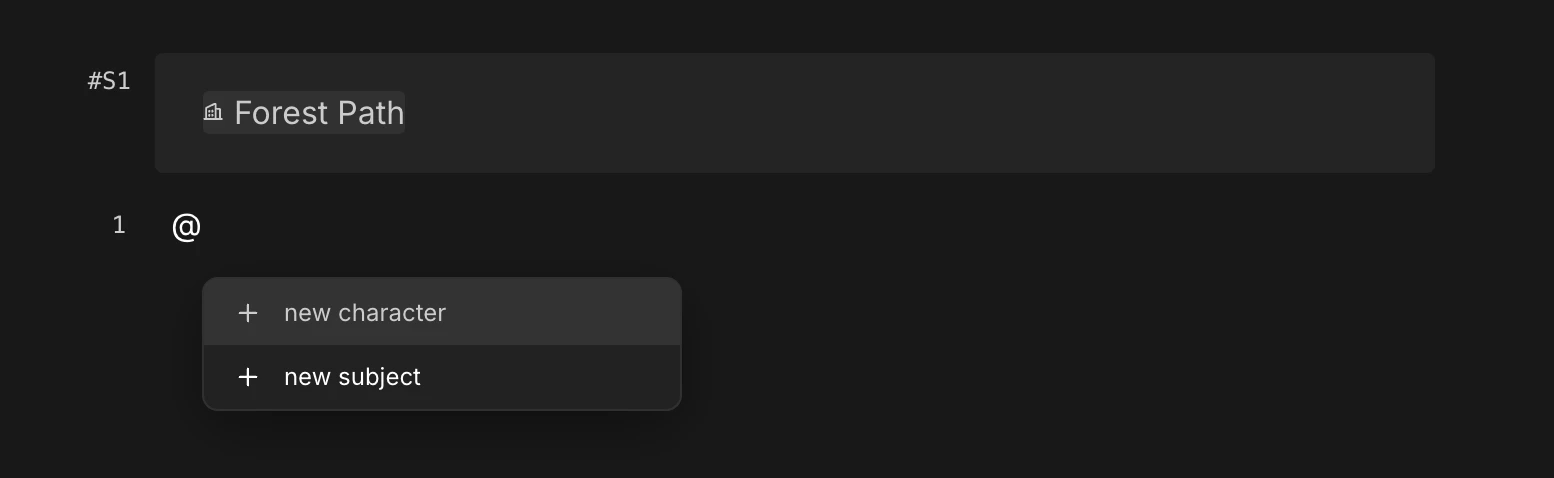
@ opens the asset autocomplete

Character bound to the line

Subject bound to the line
Backgrounds divide scenes
In film, a scene shifts when the set shifts. Cuts inside the same café belong to one scene. Cuts inside a car belong to the next. LTB applies the same rule — aBackground block starts a new scene.
Press / on an empty line and pick Background. Name the place, press enter, and LTB registers it.

The slash menu — pick Background

Registered background appears as a chip on the line
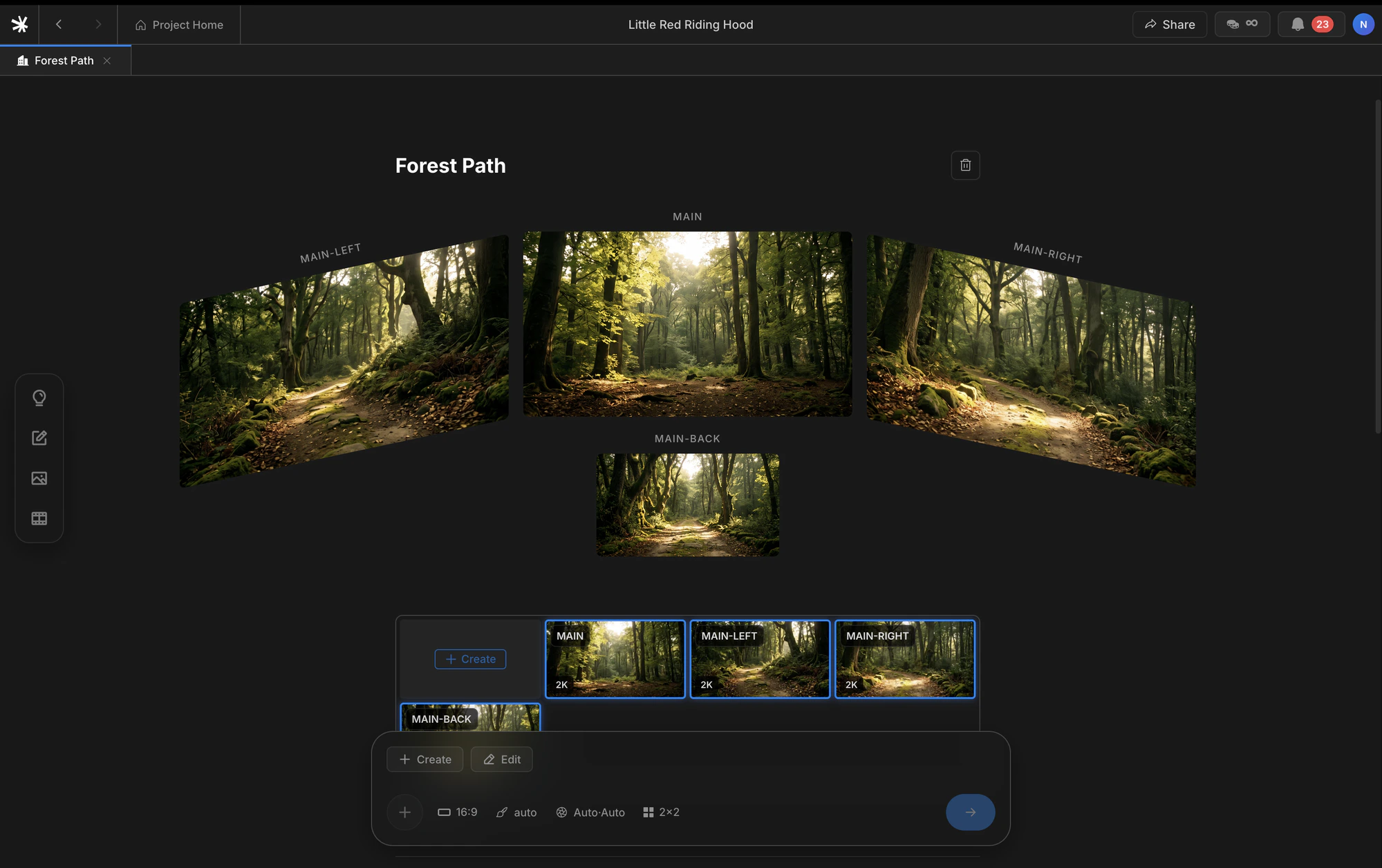
Background detail page with four auto-generated views
Beats and addresses
A beat is one unit of staging — the smallest moment where an action changes. The term comes from Stanislavski, who taught actors to break a scene into beats and play each one as a discrete intention.One beat equals one shot.Press enter to end a line and start a new beat. Insert a
Background to start a new scene. Every line then carries an address — a pair of (scene number, beat number) — and that address travels with the line through Image and Video stages.
The vocabulary stays consistent across the product.
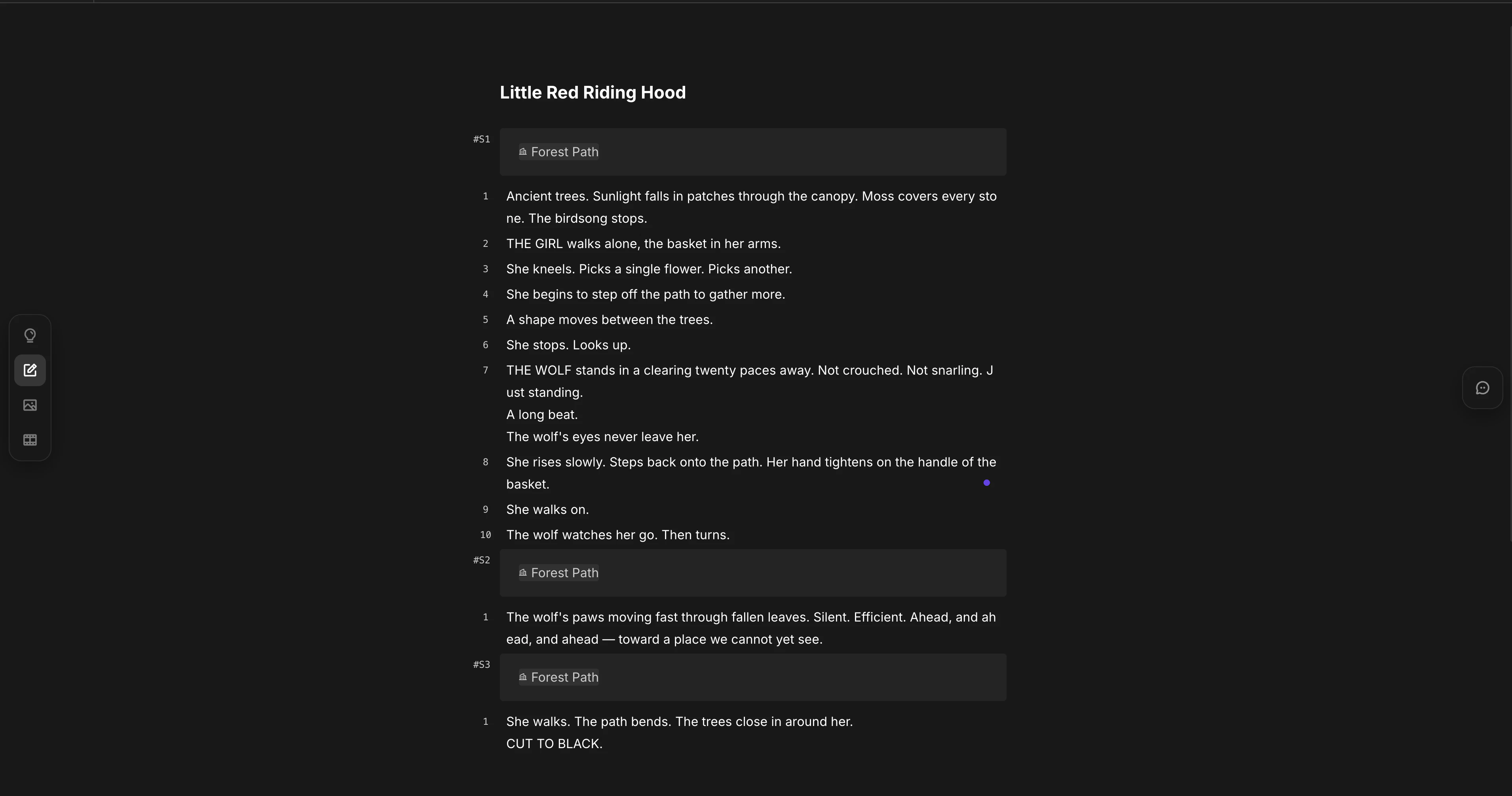
Completed scenario with beats, scenes, and asset chips
Four block types
A line carries one block. Most lines areText. The other three serve specific roles.
Text is the default — start typing. For Dialogue, Background, or Divider, press / on an empty line and pick from the slash menu.
Dialogue is stored as
Speaker: body. The colon is the field separator, not a chooser — type the speaker name, a colon, then the line.Korean and English
LTB sends line text to the model as written. There is no translation step. You can mix Korean and English inside the same project. Asset names should stay in one language to avoid duplicate registrations of the same character.Ingest
Free-form outlines can become a structured scenario in one step. Write whatever shape you have, then clickMake scenario format & Set assets at the bottom-left of the editor.
Bottom-left of the editor — Make scenario format & Set assets
Format conversion
Free text becomes
Text, Dialogue, Background, and Divider blocks.Asset registration
People, props, and places get registered as Characters, Subjects, and Backgrounds — with metadata filled in.
Scene splitting
Background blocks are inserted at every location shift.Beat typing
Each beat receives a type label — intro, entrance, dialogue, close-up — that you can override.
When to use it
Reach for Ingest when:- You have a story in your head but no patience for hand-formatting.
- You want a quick first draft from a short synopsis.
- You want a generated starting point you can then revise by hand.
Direct input vs Ingest
The shortest comparison fits in five rows.
Ingest output is fully editable. Treat it as a fast first draft — every line, asset, and scene break can still be revised with the direct-input tools above.
Next
Image
Turn beats into shots — Create, Cinematic Shots, Edit, Upscale.
Summary
Define tone and structure before writing scenes.