

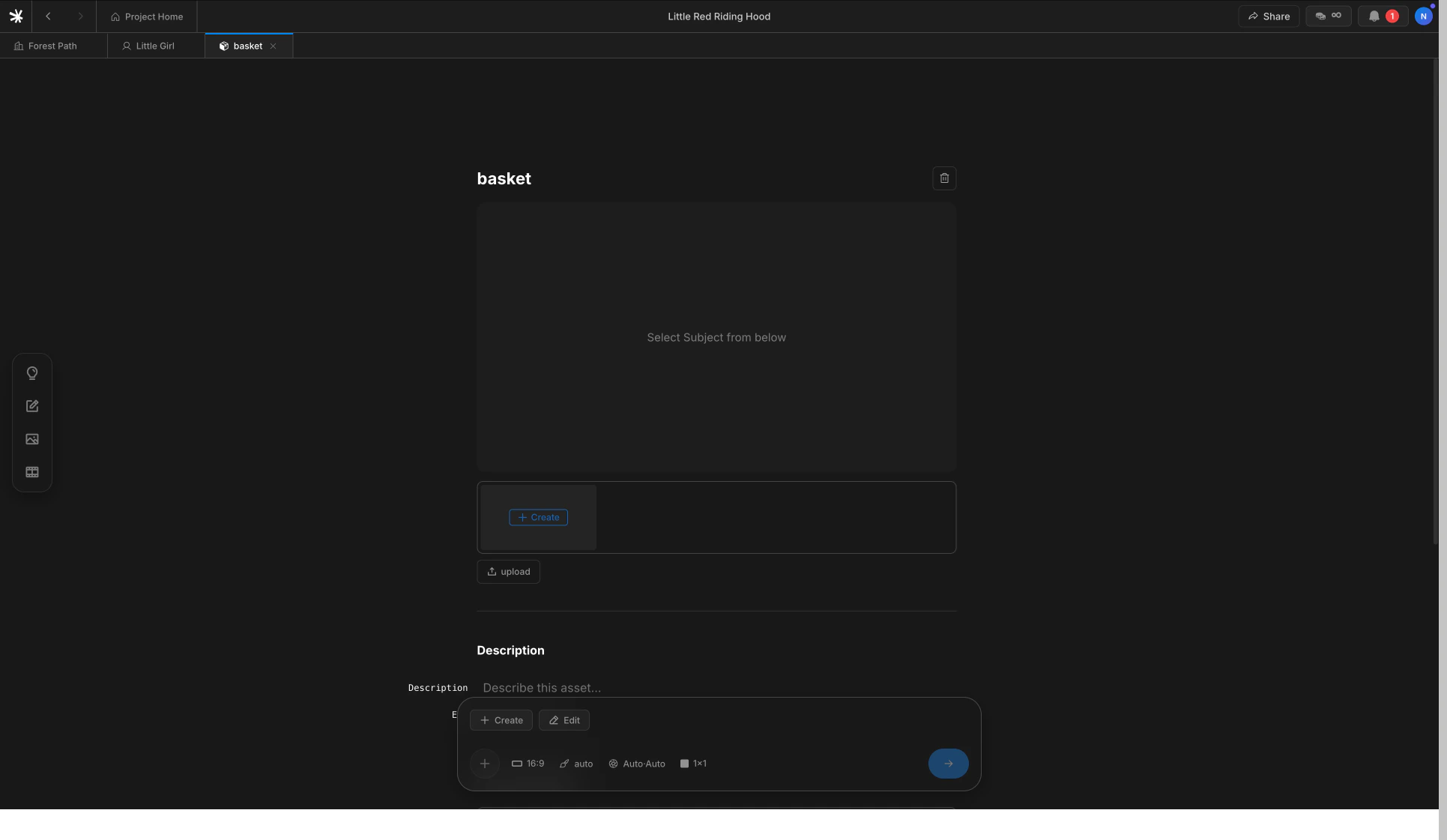
Subject detail page with one reference image
Two ways to register
The flow mirrors Characters — register inline while writing, or set up in advance.Inline from Scenario
Type
@ on any line. Pick new subject from the autocomplete and name the item.From the Subjects tab
Open the Subjects tab in the sidebar. Click
+ Create or Upload to register before writing any lines.Why one photo is enough
A Subject is rigid — its silhouette and material are what need to stay constant. The image model can rotate the object and adjust lighting from a single clean reference. Multiple photos rarely improve identity and can introduce conflicting details.Subjects versus Characters
Both register through the@ autocomplete, but they hold different things.
How Subjects flow into shots
Same as Characters — when a beat mentions a Subject with@name, the registered reference is passed into the image model alongside the scene background. The link is permanent until the line changes.
Next
Characters
Register people with one to three photos.
Backgrounds
Register a place. Four camera angles generated automatically.