

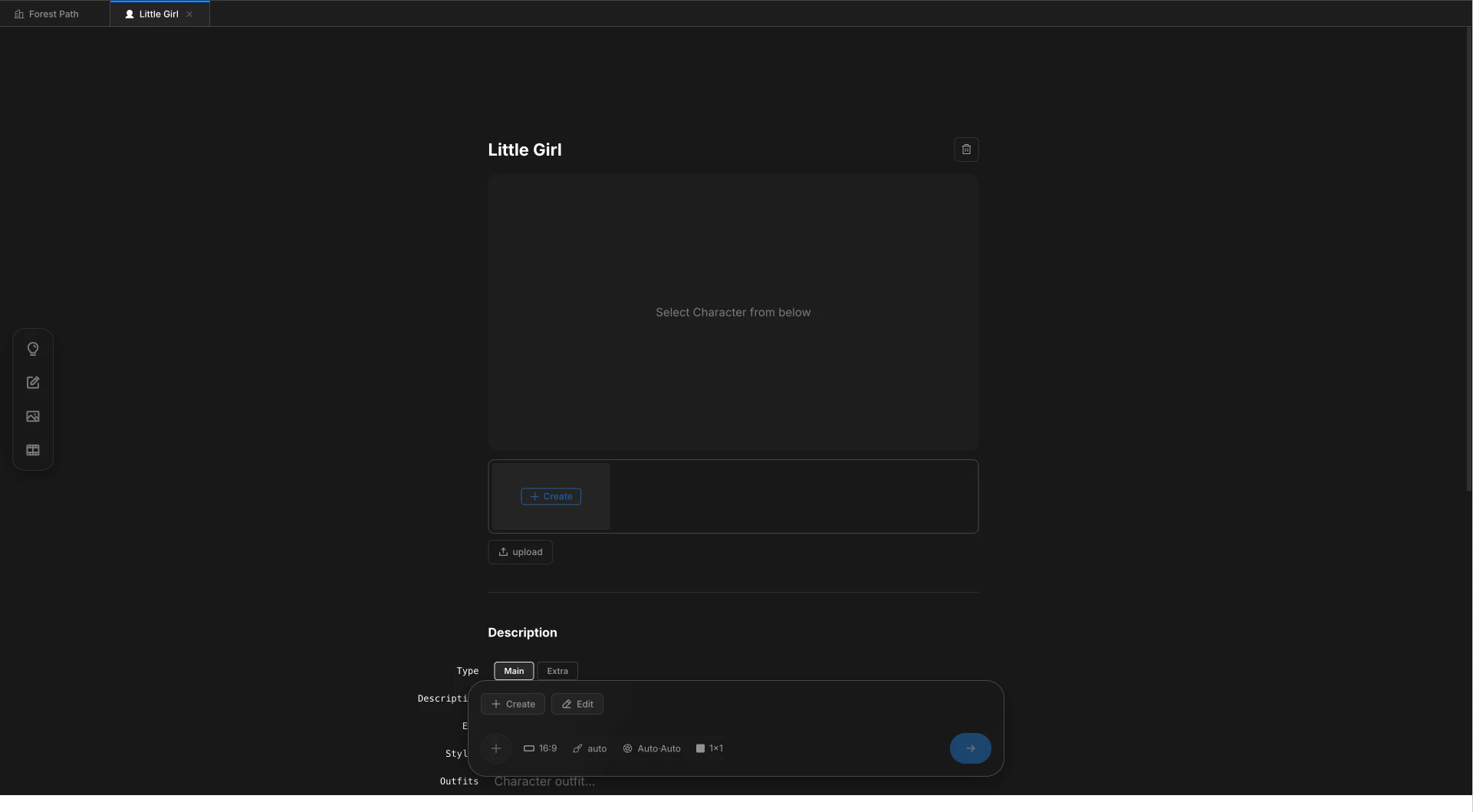
Character detail page with reference images
Two ways to register
Register inline while writing, or set up Characters in advance.Inline from Scenario
Type
@ on any line. Pick new character from the autocomplete and name the person.From the Characters tab
Open the Characters tab in the sidebar. Click
+ Create to register before writing any lines.Which photos to upload
One photo is enough to start. Three photos cover camera moves without identity drift.
Upload one to three references per Character. Add or replace them later from the detail page.
How references flow into shots
When a beat mentions a Character with@name, the registered references are passed into the image model along with the scene background. No prompt rewriting needed — the link travels with the line through Image and Video stages.
A Character can hold multiple outfits and styles. The line you write picks which outfit applies. Manage variants from the Character detail page.
Characters versus Subjects and Backgrounds
Three asset types share the same goal — keeping cuts consistent — but each one registers differently.Next
Subjects
Register a recurring prop with a single reference.
Backgrounds
Register a place. Four camera angles generated automatically.