

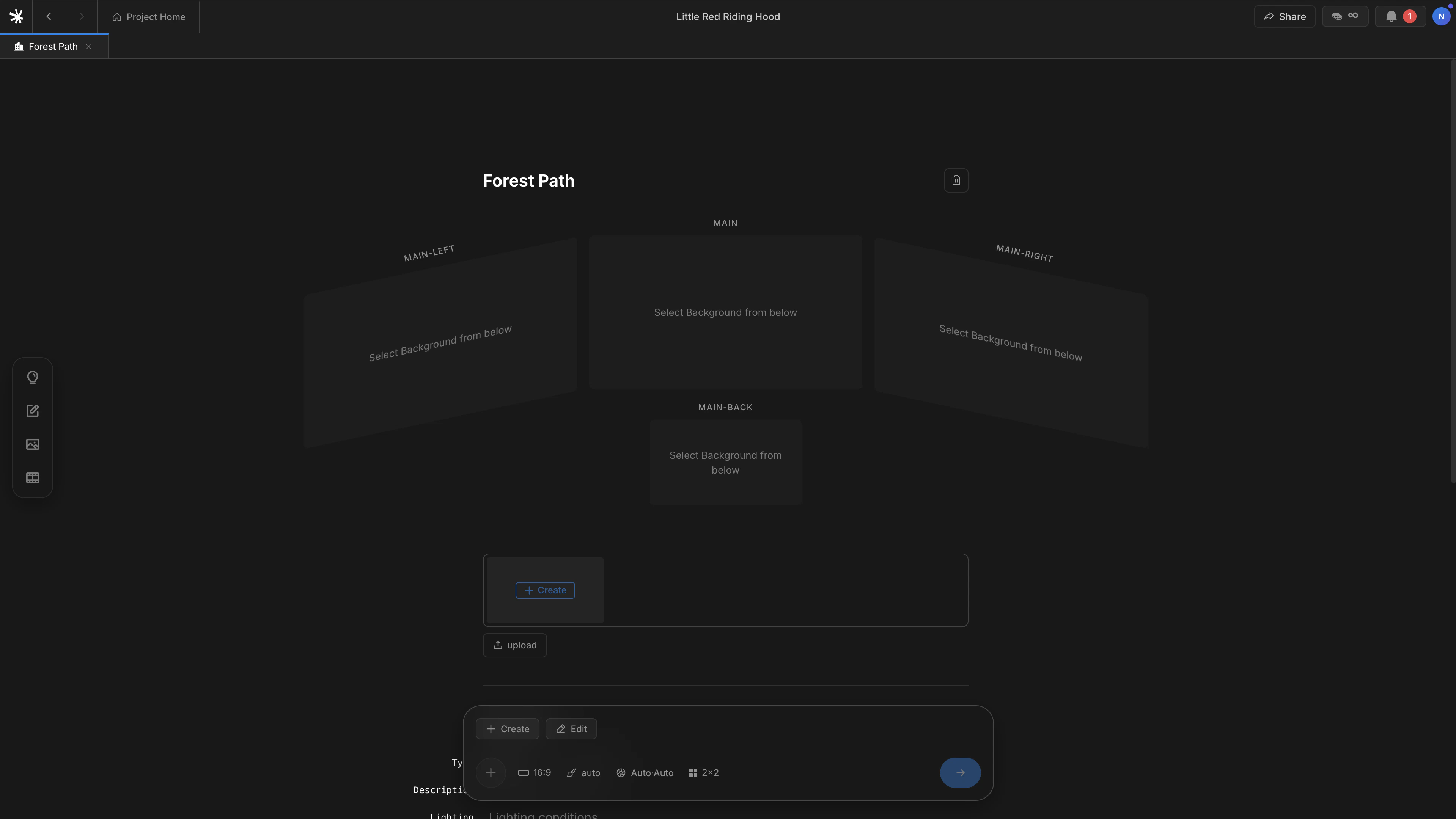
Background detail page — four auto-generated views
How to register
Backgrounds register through the slash menu, not the@ autocomplete.
1
Open the slash menu
Press
/ on an empty line in the Scenario editor.2
Pick Background
Select
Background from the menu. A block appears on the line.3
Name the place
Type the location name — for example,
Forest path or Inside the car — and press enter.The four views
LTB names the four angles by camera direction relative to the main shot.
Each beat in the scene picks the angle that fits its blocking. Cuts inside the same Background draw from the same four views, so geometry and lighting stay continuous.
Backgrounds also divide scenes. A new
Background block starts a new scene number. Beats within the same Background share one scene. See Scenario for the scene-break rule.Backgrounds versus Characters and Subjects
Next
Scenario
How Backgrounds split scenes inside the editor.
Create images
How Backgrounds flow into generated shots.